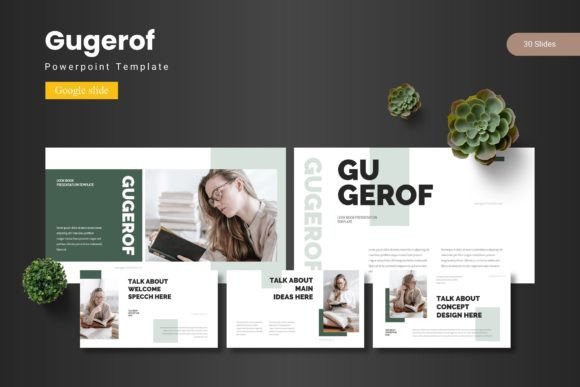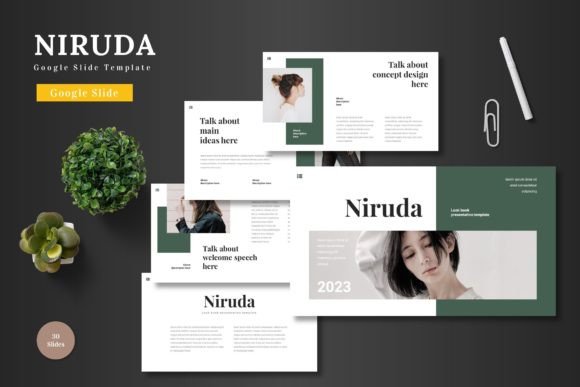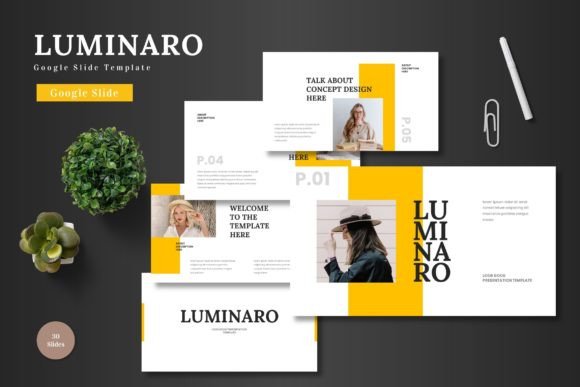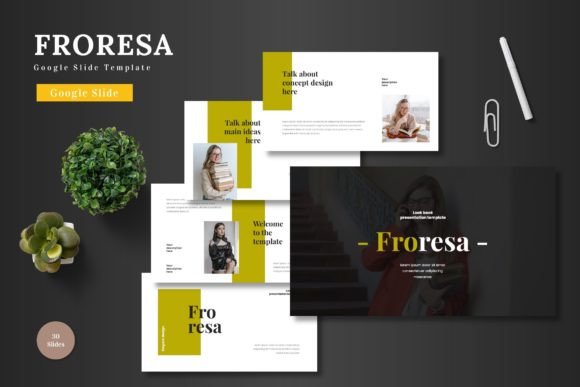
Ramoga: Professional Google Slide Template for Modern Presentations
Capturing your audience's attention and conveying your message with clarity is the goal of any presentation. The Ramoga - Google Slide Template is a comprehensive design asset built to help you achieve that goal with style and efficiency. It’s a versatile toolkit for anyone looking to elevate their visual storytelling, from corporate reports to creative pitches.
This premium template offers a robust foundation for creating polished, professional presentations. Its value lies in the combination of extensive content and meticulous design, giving you a significant head start on any project. Instead of starting from a blank slide, you can immediately begin arranging your ideas within a beautifully crafted framework.
What Makes This Template Stand Out
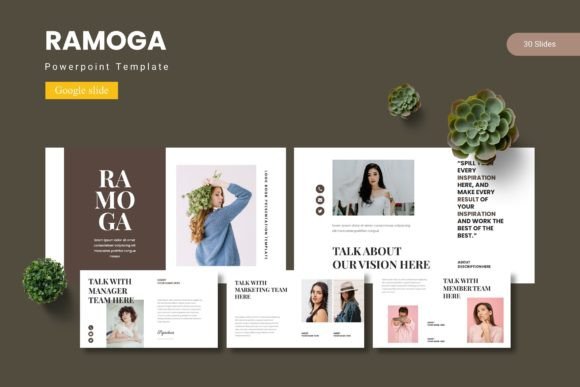
The Ramoga package is designed with both variety and cohesion in mind. Key features include over 150 total slides organized across five premade color schemes, providing 30 unique slides per color. This structure allows for incredible flexibility. You can switch the entire look and feel of your presentation with a single click by changing the color theme, ensuring your design aligns perfectly with your brand identity or project mood.
Beyond the slides themselves, the template includes handcrafted infographics and pixel-perfect illustrations. These elements are not just decorative; they are functional tools for visualizing data, explaining processes, and breaking up text-heavy sections. Every graphic is fully resizable and editable, giving you complete control to adapt them to your specific content needs.
Ideal Uses for Creative Professionals
While perfect for business, the Ramoga template shines in creative contexts. Its clean, modern typography and balanced layouts make it an excellent choice for designers presenting a portfolio, pitching a new brand identity to a client, or outlining a creative campaign. The gallery and portfolio slides are specifically designed to showcase visual work in an engaging, organized manner.
Consider using this template for:
- Client Pitches: Present your branding, web design, or packaging design concepts with the professionalism they deserve.
- Portfolio Showcases: Use the dedicated slides to highlight your best work in photography, illustration, or graphic design.
- Educational Workshops: Structure your content with clear section breaks and use infographics to explain complex topics simply.
- Product Launches: Create a compelling narrative around a new product, using visuals and text placeholders to tell your story.
Tips for Maximizing Your Template
To get the most out of the Ramoga - Google Slide Template, start by selecting the color scheme that best matches the tone of your project. A bold, high-contrast palette might suit a tech startup, while a softer, more muted scheme could be ideal for a lifestyle brand. Next, leverage the master slides to ensure consistent formatting for fonts, colors, and logos throughout your deck.
Pay close attention to font pairing. The template likely comes with recommended typefaces, but you can experiment. Pair a strong serif font for headings with a clean sans-serif for body text to create a clear hierarchy and improve readability. Always preview your slides in presentation mode to check the flow of transitions and the overall visual impact.
Ultimately, a well-designed template like Ramoga is more than just a collection of slides. It’s a framework for thinking visually. It helps you organize your thoughts, present information logically, and create a lasting impression that feels both intentional and professional. Choosing the right design assets is a crucial step in ensuring your creative vision is communicated effectively and beautifully.