Dupiliz - Google Slide Template for Professional Presentations
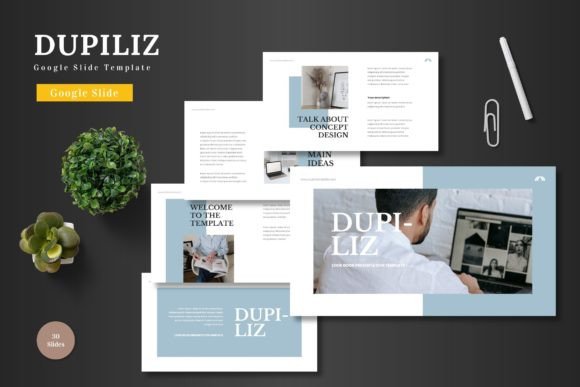
Imagine transforming your next big pitch or product launch with a presentation that feels both visually stunning and effortlessly professional. This is precisely what the Dupiliz - Google Slide Template offers—a clean, scalable, and colorful framework designed for modern business and creative needs. It’s a versatile tool ready to use directly within Google Slides, eliminating the need for complex software and letting you focus on your message.
At its core, this template is built for practicality. All elements are fully editable using Google Slides’ native tools. You can input your content, replace images with simple drag-and-drop placeholders, adjust colors, and even utilize animated slides to captivate your audience. Whether you're crafting a business proposal, an e-commerce strategy deck, or a sleek product promotion, the foundation is clean and adaptable.
Exploring the Design Flexibility and Features
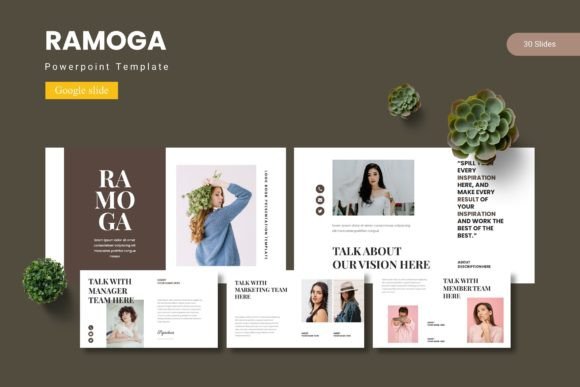
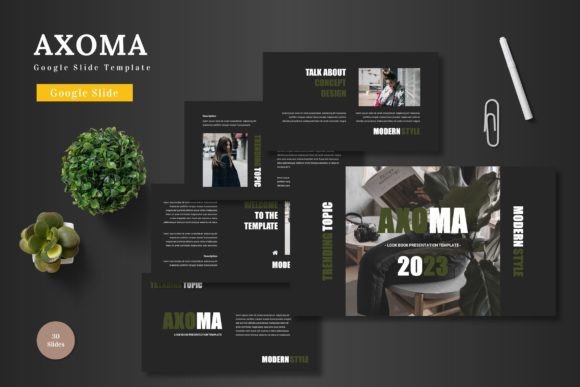
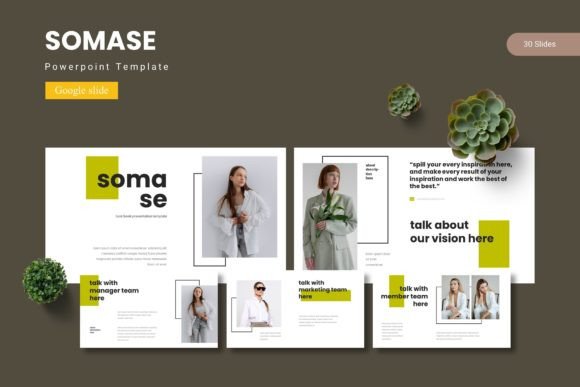
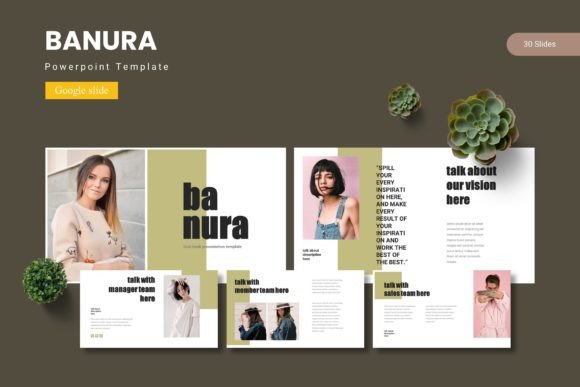
The true value of a good design asset lies in its flexibility. Dupiliz comes with over 150 total slides across five premade color schemes, giving you 30 distinct slides per template. This variety supports different narrative flows for your presentation. You’ll find dedicated section breaks to structure your story logically, alongside pixel-perfect, resizable graphics and handcrafted infographics that maintain visual consistency.
For those concerned with brand identity, the included color variations make it simple to align the template with your existing palette. The master slide foundation ensures that any change you make is applied uniformly, saving time and preventing design inconsistencies. It’s a practical solution for maintaining a polished look across all your visual communications.
Practical Applications for Business and Creative Projects
Consider how a well-structured presentation template can elevate various projects:
- Business Pitches & Reports: Structure complex data into clear, compelling narratives with dedicated infographic slides.
- Product Launches & E-commerce: Showcase products using gallery and portfolio slides with image placeholders for a professional look.
- Marketing & Social Media Graphics: Use the clean layouts as a base for creating consistent social media carousels or promotional visuals.
- Personal & Editorial Projects: Adapt the multipurpose slides for portfolios, event planning decks, or editorial presentations.
The template acts much like a premium font in your toolkit—it provides the foundational aesthetic and structure that allows your content to shine. Just as choosing the right typeface sets the tone for a brand, selecting a thoughtful template ensures your information is delivered with clarity and visual appeal.
Tips for Maximizing Your Template
To get the most out of any creative template, a few practical steps can help. First, always start by defining your content outline. Knowing your key points helps you select the most appropriate slides from the 150+ options available. Next, use the color variation feature strategically. You might choose one color scheme for internal reports and another for client-facing pitches to subtly shift the mood.
Don’t overlook the animation features. Subtle slide transitions and element animations can guide your audience’s attention, but use them sparingly to maintain professionalism. Finally, leverage the drag-and-drop image placeholders. Replacing the sample images with your own high-quality visuals is the quickest way to personalize the deck and make it uniquely yours.
Ultimately, a resource like the Dupiliz - Google Slide Template is about empowering your communication. It removes technical barriers, allowing you to present ideas with a level of polish that builds credibility. By providing a robust, editable foundation, it lets you concentrate on what truly matters: delivering a clear, engaging, and memorable presentation to your world.