Acelo - Google Slide Template
Imagine transforming a standard presentation into a dynamic visual story that captures attention from the first slide. The Acelo - Google Slide Template offers exactly this kind of creative leap, providing a robust framework for anyone looking to elevate their slide decks beyond basic bullet points and clip art.
For professionals, educators, and creatives, a presentation is often the first point of contact with an audience. A well-designed template like Acelo does more than just organize information; it establishes a tone, reinforces brand identity, and makes complex ideas digestible through thoughtful design. It’s a practical tool that merges aesthetic appeal with functional structure, saving valuable time while ensuring a polished, professional outcome.
Designed for Impact and Efficiency
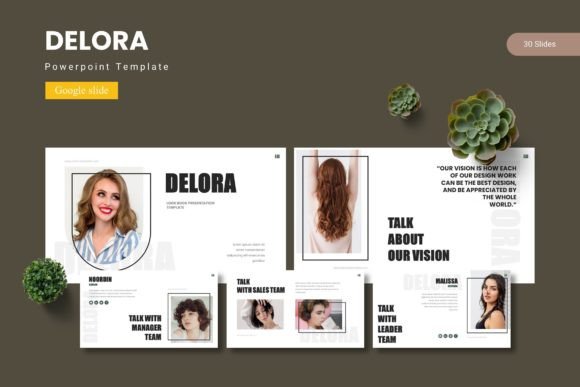
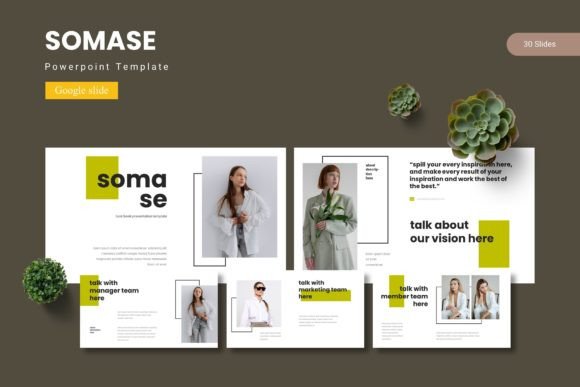
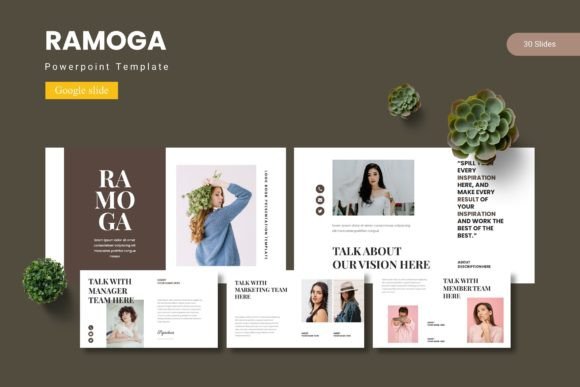
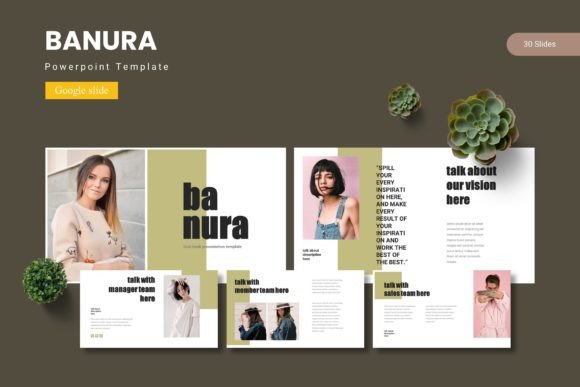
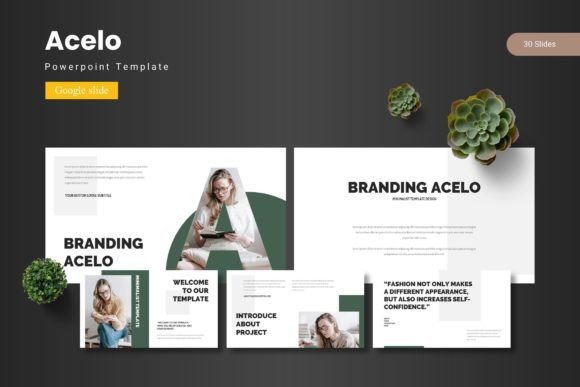
The core strength of the Acelo template lies in its extensive library of over 150 slides, meticulously organized into five distinct color schemes. This variety allows users to select a palette that perfectly matches their brand or the mood of their content. Each of the 30 slides per template is crafted with a pixel-perfect approach, featuring handcrafted infographics and clean layouts that are both modern and versatile.
Key features that streamline the design process include:
- Master Slides: Ensure consistency across your entire presentation with ease.
- Drag-and-Drop Picture Placeholders: Simply drag your images into predefined spaces for instant, perfectly framed visuals.
- Resizable and Editable Graphics: Every illustration, chart, and icon can be scaled and customized to fit your specific narrative.
- Section Break Slides: Create clear visual pauses to guide your audience through different topics or chapters.
Practical Applications for Various Projects
This template isn't just for corporate boardrooms. Its clean, modern typography and flexible layout make it ideal for a wide range of creative projects. Think of using it for:
- Brand and Client Pitches: Present a new logo design, brand identity system, or marketing strategy with clarity and style.
- Educational Workshops and Webinars: Break down complex subjects with engaging infographics and visual aids.
- Portfolio Showcases: Display photography, graphic design work, or case studies in a gallery-style format that lets the work shine.
- Project Proposals and Reports: Turn dense data and timelines into an accessible and persuasive visual report.
Tips for Choosing and Using Your Template
When selecting a Google Slides template, consider how it aligns with your project's goals. The Acelo template, with its five premade color variations, offers a great starting point. Test the color schemes against your existing brand assets. Ensure the font pairings included are legible and match the professional tone you aim to set. Always review the slide master to understand how to efficiently apply global changes.
Remember, the goal of any design asset is to serve the content. A template should enhance your message, not overshadow it. Use the provided section breaks to create a logical flow, and leverage the infographic elements to visualize data instead of describing it in text. The drag-and-drop functionality makes it simple to personalize the deck quickly, allowing you to focus on refining your core message.
Ultimately, investing in a premium template like Acelo is about investing in clear communication. It provides the structural integrity and visual polish that can make your ideas more compelling, your brand more memorable, and your professional presence more credible. In a world saturated with information, a well-designed presentation is a powerful tool for standing out and being understood.