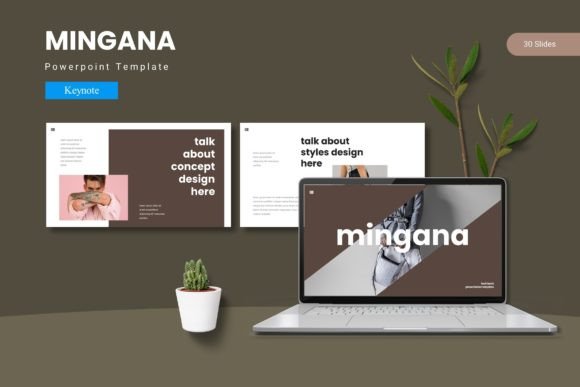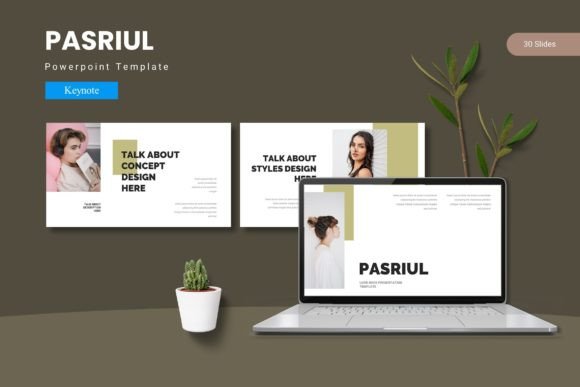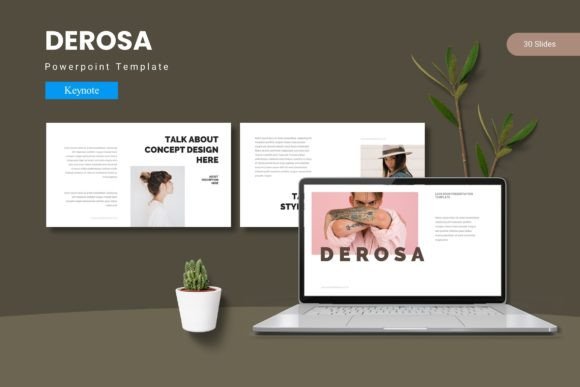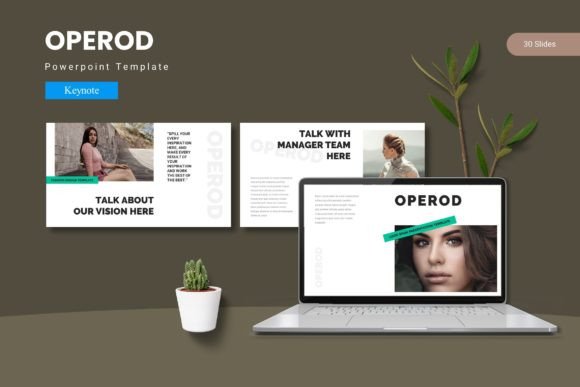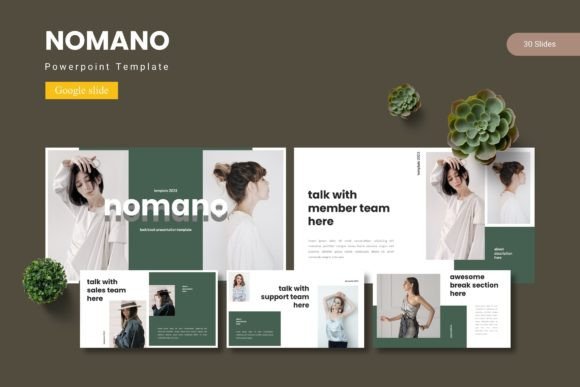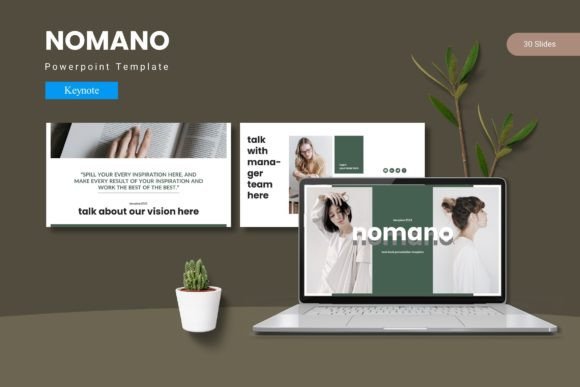
Nomano - Keynote Template
Delivering a presentation that truly captivates your audience often comes down to the tools you use. The Nomano - Keynote Template is designed to be that essential tool, providing a cohesive and visually engaging foundation for your ideas. It moves beyond basic slides, offering a polished framework that ensures every presentation you create looks professional and leaves a lasting impression.
At its core, this Keynote design template is built for flexibility and ease of use. With over 150 total slides across five premade color schemes, you have a vast library of layouts at your fingertips. Each of the five templates includes 30 meticulously crafted slides, from impactful section breaks to data-driven infographics and clean portfolio displays. The design is based on master slides, which means making global changes to fonts or colors is a simple, efficient process. This level of customization allows you to effortlessly match the template to your specific brand identity or project theme, ensuring visual consistency throughout.
Practical Applications for Modern Creators
The value of a premium design asset like this extends across numerous creative and professional scenarios. Consider how it could elevate:
- Business Pitches & Investor Decks: Use the pixel-perfect illustrations and handcrafted infographics to present complex data in a clear, compelling narrative.
- Client Proposals & Project Updates: The gallery and portfolio slides are perfect for showcasing past work, building credibility and trust with a polished presentation.
- Educational Workshops & Webinars: Structure your content logically with section breaks, making it easier for your audience to follow along and retain information.
- Internal Team Meetings: Streamline reports and strategic plans with a clean, professional template that saves preparation time while enhancing clarity.
The drag-and-drop picture placeholders simplify adding your own visuals, while all graphics are fully resizable and editable, giving you complete creative control without needing advanced design software skills.
Tips for Selecting and Using Your Template
When choosing any design asset, including a Keynote template, a few considerations will help you make the most of your investment. First, assess the overall mood and style. Does the template's aesthetic—modern, minimalist, corporate, or creative—align with the message you need to convey? Next, examine the structure. Does it offer the specific slide types you need, such as timelines, team profiles, or product showcases?
Always test readability. A beautiful design fails if your audience cannot easily read the text. Check the contrast between text and background colors and consider how the font pairings within the template work for your content length. Finally, review the included Readme First file for information on fonts and photos. This ensures you can source the exact same fonts and images if needed, maintaining the template's intended look, or legally replace them with your own choices. A well-chosen template acts as a cornerstone of your modern typography and visual communication strategy, enhancing brand recognition and the perceived professionalism of your work.
Choosing a thoughtfully designed Keynote template is an investment in clarity and impact. It provides the structure that lets your content shine, transforming a standard presentation into a memorable experience. With its extensive customization options and professional polish, a resource like this empowers you to communicate your ideas with confidence and style, ensuring your next presentation is not just seen, but truly remembered.