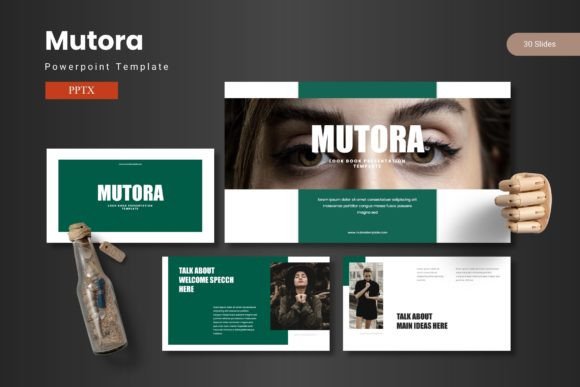
Mutora - Powerpoint Template
Presenting your ideas just got a significant visual upgrade. The Mutora - Powerpoint Template is a comprehensive design system built to help you share your concepts with confidence, using slides that masterfully blend data, graphics, and impactful content. It’s more than a set of slides; it’s a toolkit for creating professional narratives that resonate with your audience.
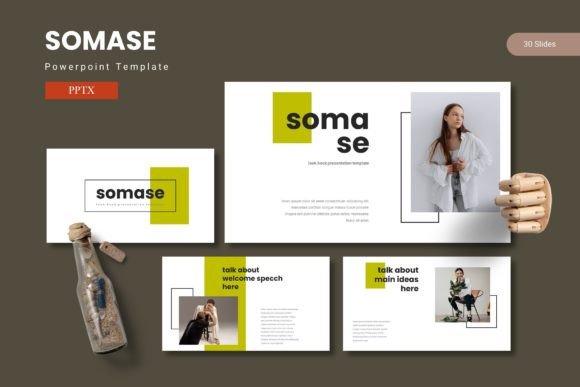
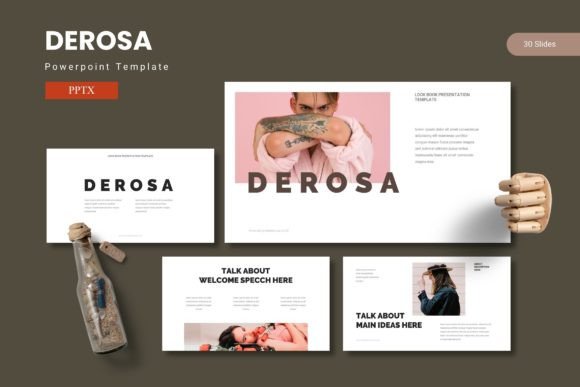
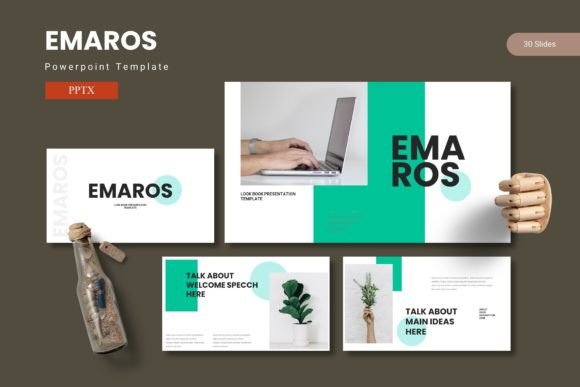
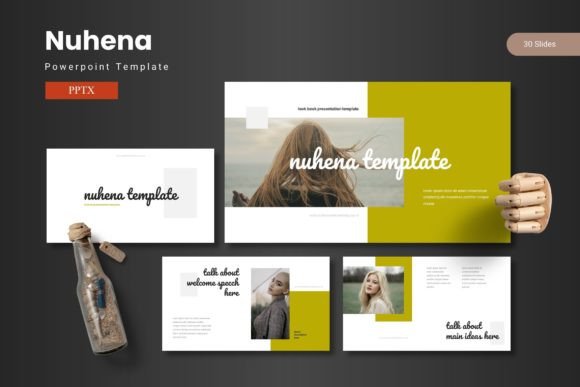
This template is engineered for efficiency and visual appeal. With over 150 total slides across five premade color schemes, you have a vast library of layouts at your fingertips. Each of the five templates contains 30 meticulously crafted slides, including dedicated section breaks to structure your story logically. The design is based on master slides, ensuring consistency and making global edits a breeze. You’ll find handcrafted infographics, pixel-perfect illustrations, and picture placeholders that support simple drag-and-drop functionality, streamlining the entire creation process.
Ideal Use Cases for a Dynamic Presentation Template
The versatility of Mutora makes it a valuable asset for numerous professional scenarios. It’s particularly effective for:
- Business Pitches & Investor Decks: Use the clean data visualization slides and professional layouts to present financials, market analysis, and business models with clarity and authority.
- Marketing & Brand Strategy: Showcase campaign concepts, social media plans, and brand identity guidelines. The gallery and portfolio slides are perfect for displaying previous work or product mockups.
- Internal Training & Workshops: Create engaging educational materials. The variety of slide types helps break down complex processes into digestible, visually supported steps.
- Project Proposals & Reports: Deliver polished project updates and proposals that reflect the professionalism of your work, making information easy to follow and remember.
Maximizing Your Design with Mutora
To get the most out of this PowerPoint design template, consider a few practical tips. First, leverage the color variations. Choose the scheme that best aligns with your brand or the mood of your presentation—whether it’s energetic, corporate, or creative. Because all graphics are resizable and editable, you can adjust illustrations and infographics to fit your specific content without losing quality.
When building your deck, focus on visual consistency. Use the master slides to maintain uniform fonts, colors, and logo placement throughout. This reinforces your brand identity and creates a seamless viewing experience. The drag-and-drop picture placeholder is a key feature for maintaining this consistency while speeding up your workflow; simply replace the placeholder images with your own photos or graphics for a custom look in minutes.
The right presentation template does more than organize information—it enhances your message. A thoughtfully designed system like Mutora helps transform abstract ideas into a compelling visual story, ensuring your audience remains engaged and your key points are communicated effectively. It’s an investment in your professional image, providing the polished, high-impact backdrop your ideas deserve.