Manius - Google Slide Template: Design Your Next Presentation
Creating a presentation that truly stands out requires more than just compelling content; it demands a visual foundation that captures attention and communicates professionalism. The Manius - Google Slide Template offers a sophisticated solution for anyone looking to elevate their slide decks with modern typography and polished design assets. This template isn't just a collection of slides; it's a comprehensive design system built to help you tell your story more effectively.
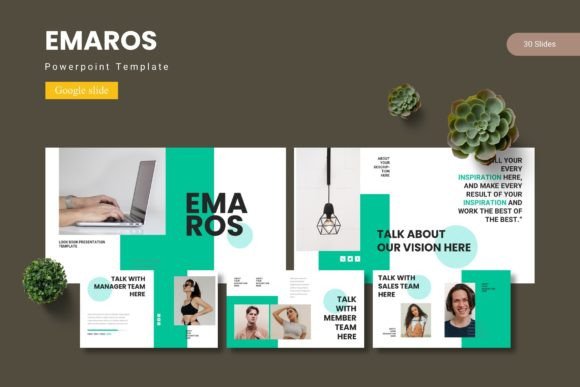
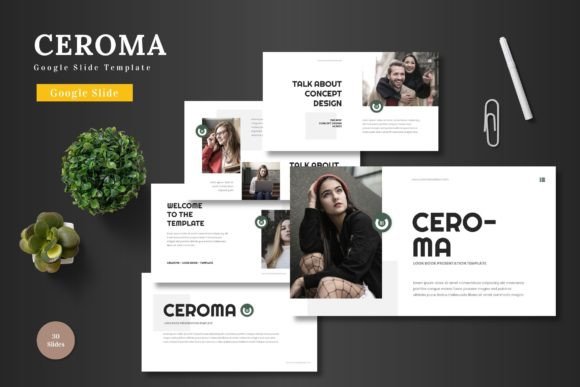
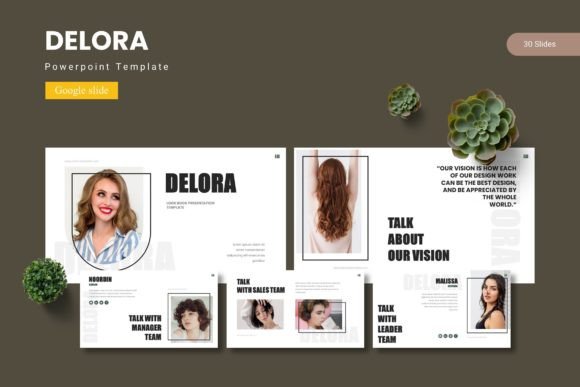
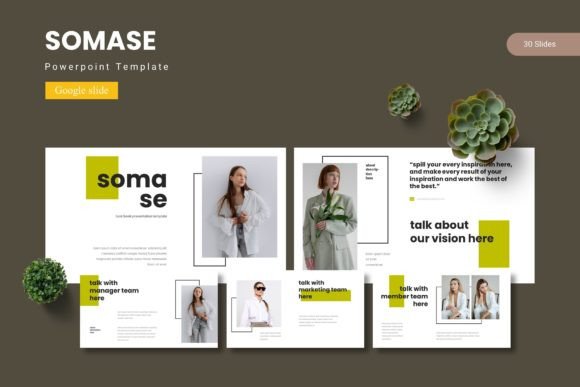
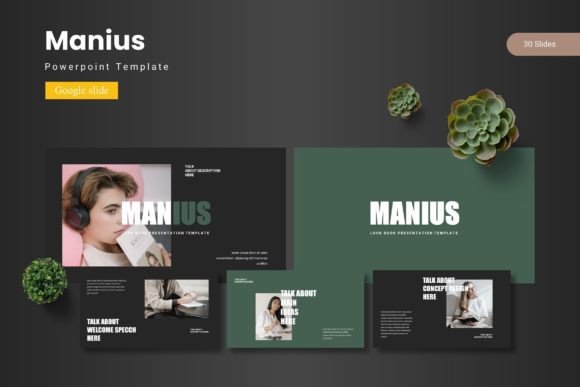
At its core, Manius provides over 150 meticulously crafted slides organized into five premade color schemes, with 30 unique slides per template. This variety ensures you have the right layout for every part of your presentation, from introductions and data visualizations to conclusions and team bios. The inclusion of section break slides helps maintain a clean, professional flow throughout your deck.
Key Features for a Polished Look
What sets this template apart is its focus on flexibility and visual quality. Every element is designed with the end-user in mind, allowing for easy customization without sacrificing aesthetic appeal.
- Pixel-Perfect Illustrations & Infographics: The handcrafted graphics are all resizable and editable, ensuring your data and concepts look sharp on any screen.
- Drag-and-Drop Simplicity: With dedicated picture placeholders, integrating your own images is seamless, saving you valuable time during the design process.
- Master Slide Integration: Built on master slides, the template allows for global changes to fonts, colors, and layouts, ensuring consistency across your entire presentation.
- Portfolio & Gallery Slides: Showcase your work or products beautifully with dedicated layouts designed for visual impact.
Practical Applications and Creative Value
The versatility of the Manius template makes it suitable for a wide range of professional and creative projects. Consider using it for:
- Business Pitch Decks: Impress potential investors or clients with a clean, modern presentation that reflects your brand's identity.
- Educational Workshops: Structure your content clearly with engaging infographics and section breaks that aid audience comprehension.
- Marketing & Branding Presentations: Maintain visual consistency by using the template's color schemes and typography to align with your brand guidelines.
- Portfolio Showcases: Use the gallery slides to present your design work, photography, or case studies in a professional manner.
Tips for Choosing and Using the Template
When selecting a presentation template, it's important to consider how it will serve your specific needs. With Manius, think about the mood you want to convey. The five color variations offer different tones, so choose one that best matches your brand or the subject matter. Test the font pairings included in the template to ensure readability and hierarchy. While the template is highly customizable, always preview your slides in presentation mode to check for visual balance and flow.
Remember, the right design asset does more than make things look pretty—it enhances communication, builds brand recognition, and adds a layer of professionalism that audiences instinctively trust. A well-structured template like this provides a reliable framework, allowing you to focus on your message and delivery rather than starting from scratch with every new project.
Choosing a thoughtfully designed template is an investment in your presentation's effectiveness. It streamlines your workflow, elevates your visual output, and helps ensure your ideas are received with the clarity and impact they deserve. For those seeking a blend of modern aesthetics and practical functionality, exploring the Manius - Google Slide Template could be a valuable step toward achieving more polished and persuasive presentations.