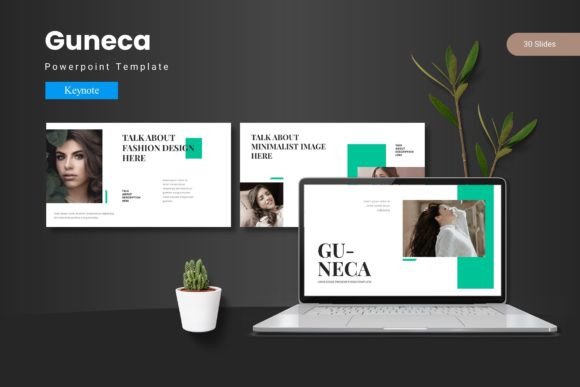
Guneca: A Premium Keynote Template for Polished Presentations
Creating a presentation that feels cohesive and visually engaging can be a challenge, especially when starting from a blank slide. The Guneca - Keynote Template is a comprehensive design asset built to solve that problem, offering a structured yet flexible foundation for your ideas. It’s more than just a collection of slides; it’s a system designed to help you communicate with clarity and style, ensuring every slide you deliver leaves a professional impression.
This template is particularly useful for professionals and creatives who need to present complex information in an accessible way. Whether you're preparing a business proposal, a portfolio review, a marketing plan, or a keynote for a conference, having a well-designed base saves hours of formatting work. The Guneca template provides that base, allowing you to focus on your content and narrative rather than wrestling with alignment and visual consistency.
Exploring the Design Flexibility and Features
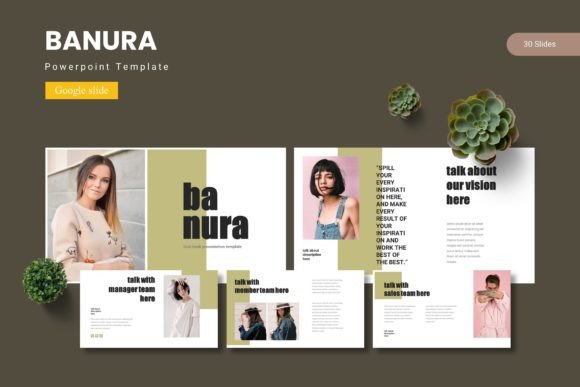
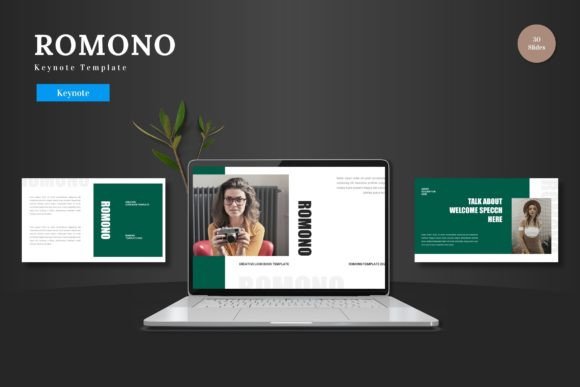
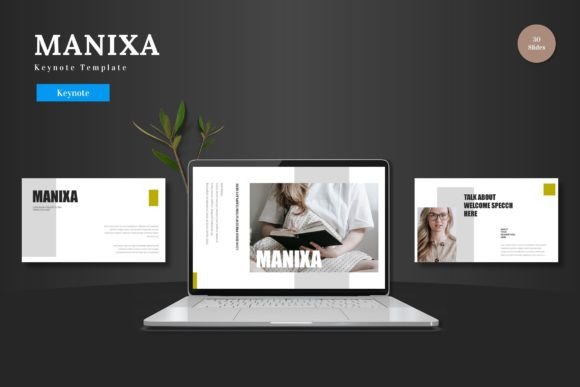
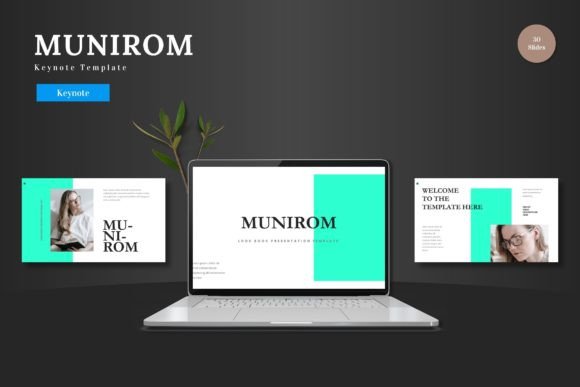
What sets a premium Keynote template apart is its attention to detail and adaptability. Guneca includes over 150 total slides, with 30 slides for each of the five premade color schemes. This variety gives you a solid starting point that can be tailored to your specific brand identity or project mood. The use of master slides ensures that changes made to the core design—like adjusting fonts or color palettes—update across your entire presentation seamlessly.
The template is packed with practical elements designed for real-world use. Handcrafted infographics help transform data into compelling stories, while pixel-perfect illustrations add a layer of visual polish. Every graphic is resizable and editable, giving you full control. The inclusion of drag-and-drop picture placeholders simplifies the process of adding your own images, and dedicated gallery and portfolio slides are perfect for showcasing work visually. This level of detail supports a wide range of projects, from corporate reports to creative pitches.
Practical Uses for This Keynote Design Template
Consider the scenarios where a tool like this becomes invaluable. For entrepreneurs and startups, it can be used to craft investor decks that look established and trustworthy. Designers and agencies might leverage it to present brand concepts or campaign strategies to clients. Educators and speakers can use its structured layouts to organize workshop materials or lecture slides, ensuring the focus remains on the message.
Even for personal projects, such as creating a visual resume or planning a special event, the Guneca - Keynote Template provides the scaffolding to produce something that looks thoughtfully designed. The five color variations allow you to quickly match the presentation to a brand's color scheme or the desired aesthetic, whether it's professional, creative, or minimalist.
Tips for Choosing and Using Your Template
When selecting any design asset, including a Keynote template, a few practical considerations can enhance your results:
- Check Readability: Ensure the font choices within the template are clear and legible, especially for body text that will be viewed from a distance or on a screen.
- Match the Mood: Select a color scheme and slide style that aligns with the tone of your content. A formal report will call for a different feel than a creative portfolio.
- Test Font Pairings: If you plan to use the template with your own brand fonts, test how they pair with the existing typographic hierarchy to maintain visual harmony.
- Review the License: Confirm that the usage rights fit your intended project, whether it's for commercial, personal, or client work.
The right design asset acts as a silent partner in your creative process. It handles the heavy lifting of layout and consistency, freeing you to concentrate on delivering your message effectively. A well-structured Keynote template like Guneca can elevate the perceived quality of your work, helping your ideas look as polished and professional as they deserve to be. It’s an investment in your presentation’s impact, ensuring your visuals support and enhance your narrative from the first slide to the last.